Extramural Projects
The following steps describe how to open Extramural Project list
step 1. - Open the application and logged in
step 2. - Dashboard will open
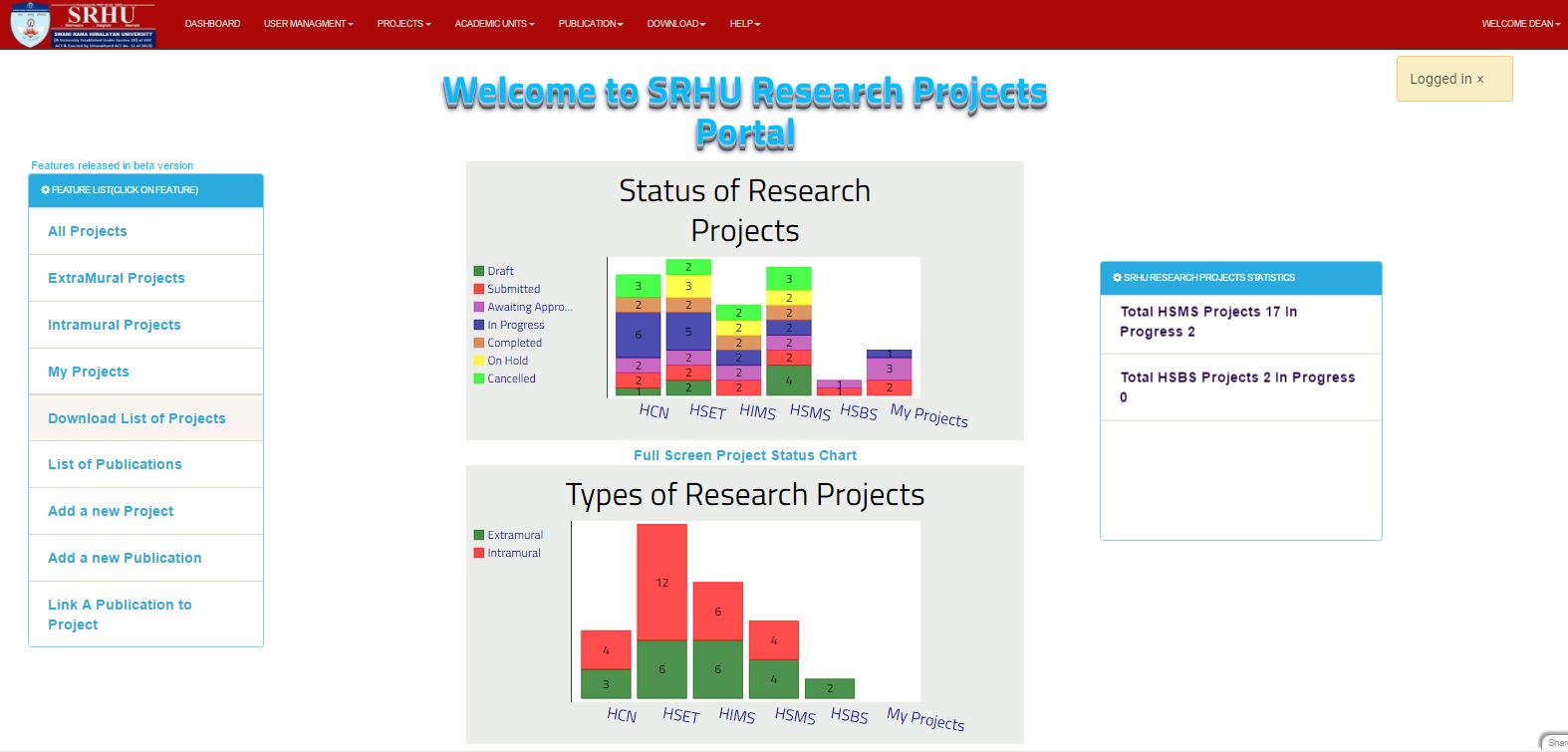
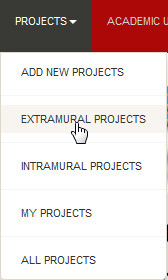
step 3. - Then click on the PROJECTS Link at the header of application, the drop down menu will open and you have to click on Extramural Project
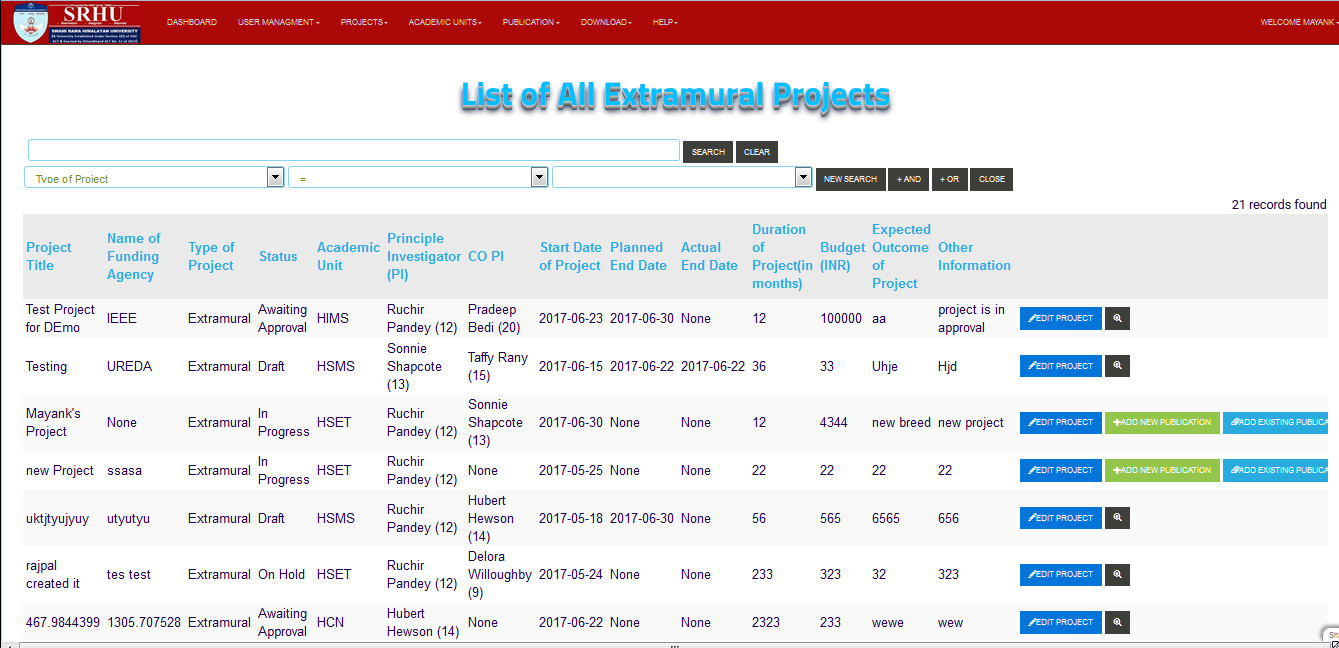
step 4. - So List of Extramural Project will displayed
Note
you can directoly search a specific user by using search bar

Projects can be edited and publication can be added/removed from projets using buttons on right, Refer to Edit project for detailed information Project list. These are-